Music Video Storyboard App
Before you shoot your next music video, try our music video storyboard app. Just upload your song to get a FREE preview.
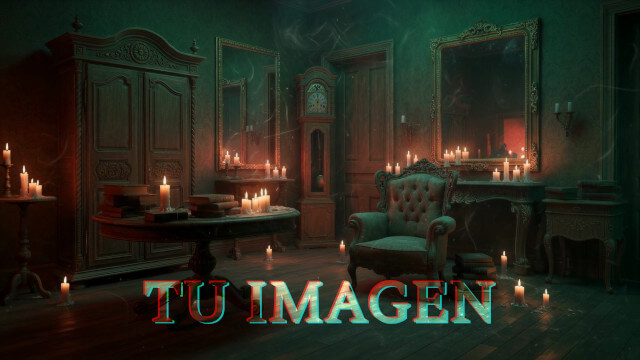
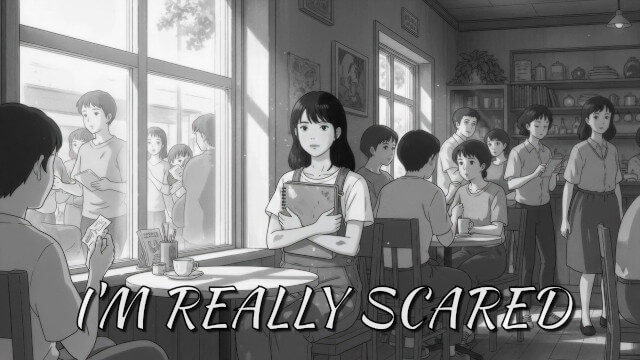
After the preview is generated, you can change the story, style, and any visuals, to better envision how your music video could look like.
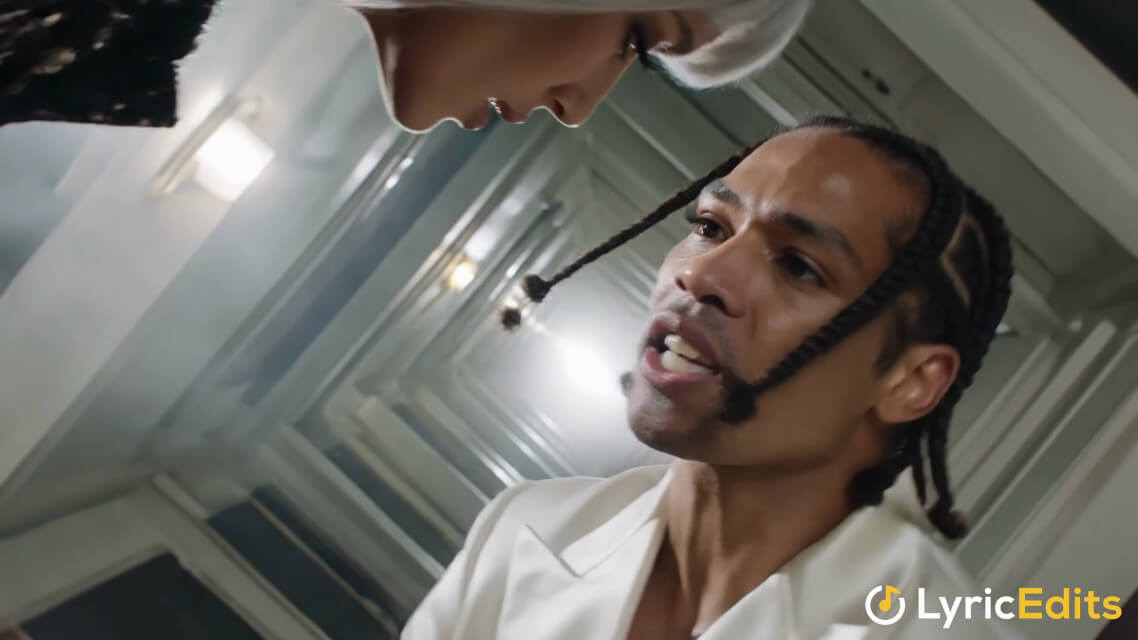
Upload a song and start building in the editor. No credit card required.
Change the story, art style, fonts, scenes, and timing in our editor.
Our AI will transcribe the lyrics of your song automatically.
- Nano Banana Pro
- Wan 3
- Nano Banana 2
- Seedance 2.5
- Flux 3
- Grok Imagine 2
- Gemini Omni Flash
- GPT Image 2.5
- Kling 3
Make a storyboard before shooting a music video
Have you ever shot a music video only to realize that the final result is not what you expected? Most likely you didn't have a powerful storyboard.
LyricEdits allows you to create a storyboard for your music video in minutes, using AI. You will be able to see what works in your video, and what does not; which scenes are too long, or short; which visual style better fits the song; and iterate fast on any ideas you have.
Video editors love LyricEdits because it's simple and familiar, and it allows exporting the project to popular NLEs such as Adobe Premiere, DaVinci Resolve, and Final Cut Pro.
Features:
- The lyrics are transcribed and synced automatically from your song.
- Our AI uses the lyrics to create a cohesive story, consistent characters, and visuals.
- The video preview is generated in seconds, so you can iterate fast to achieve the best visuals for your song.
- Fully-customizable in a real-time editor.
- Export-ready for TikTok, Instagram, and YouTube.
- You can upload your own images, then animate and lip-sync any character, including yourself.
- No previous video editing experience required.
- Videos can be exported to DaVinci Resolve, Adobe Premiere and Final Cut Pro for advanced editing.
How Does It Work?
How to make a music video storyboard with our app:
- Upload your song file: MP3, WAV, FLAC, AAC, OGG, M4A
- Get a preview in seconds: the lyrics are transcribed and synced automatically, which our AI uses to create the visuals.
- Customize the video: with our real-time editor, you can change the font style, images, videos, colors, and much more!
- Export the video: ready for TikTok, Instagram and YouTube
No previous video editing experience required.
Used by 20,000+ musicians worldwide

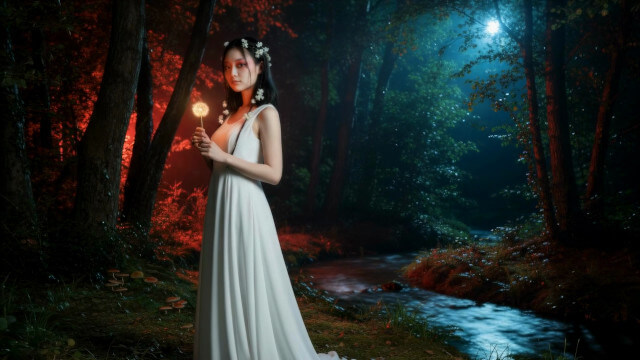
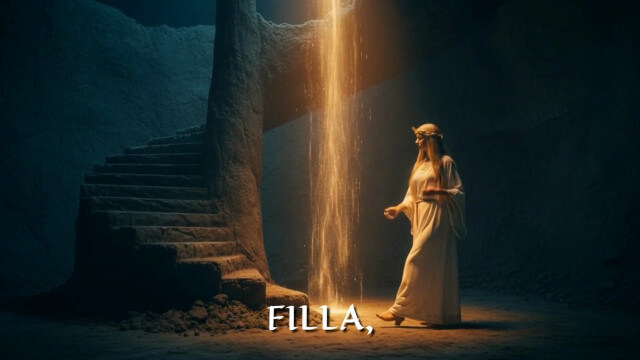
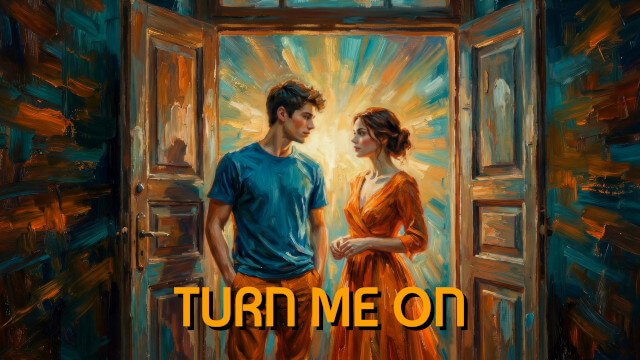
Try it for free
Build your video in the editor before paying anything.
No stress. No surprises.
- Can I post the video to YouTube or other platforms?
Yes! As long as you own the rights to the song or have permission from the artist, you can post the video on YouTube, Instagram, TikTok, or any other platform.
NOTE: some platforms may require a percentage of moving images in the video, so please check their requirements.
- Can I use the video for commercial purposes?
Yes, you can use the video for commercial purposes (e.g., for your business or clients), as long as you own the rights to the song or have permission from the artist.
- Can I upload a song on behalf of another artist?
Yes, as long as you have permission from the artist.
- How do you generate the videos?
We use commercial-grade AI models to analyze the lyrics and generate images that visually represent the meaning of song's words.
These images are then animated and synchronized with the rhythm and mood of the music to create a unique video.
- Which AI models do you use?
We use both private and open-source AI models to generate the videos.
We are constantly updating the available models and adding new ones to provide the best possible results.
You've finished your song.
Let people see it.
Let people feel it.
Make a music video storyboard with our app now: